06 / The Labs
Interfaces you don't touch.
Our research studio for what websites do next. Turn on your camera and your hand becomes the controller for four experiments: wave at TAM, our robot, grade a photograph, wipe fogged glass and take a product apart.
- Palm to the camera. Hold one hand up with the palm facing the lens, like the film.
- An arm's length away, in good light, so the whole hand is in view.
- Open, close, pinch or point. Each experiment tells you what the moves do.
Runs on your device. The video never leaves it and nothing is recorded.
Experiment 00
Wave at TAM.
- CameraTAM is our robot, The Amplification Machine. Wave and he waves back. Move your hand and he follows it. Make a fist to play rock, paper, scissors.
- Mouse or fingerHe follows the pointer. Pick rock, paper or scissors below and he plays you.
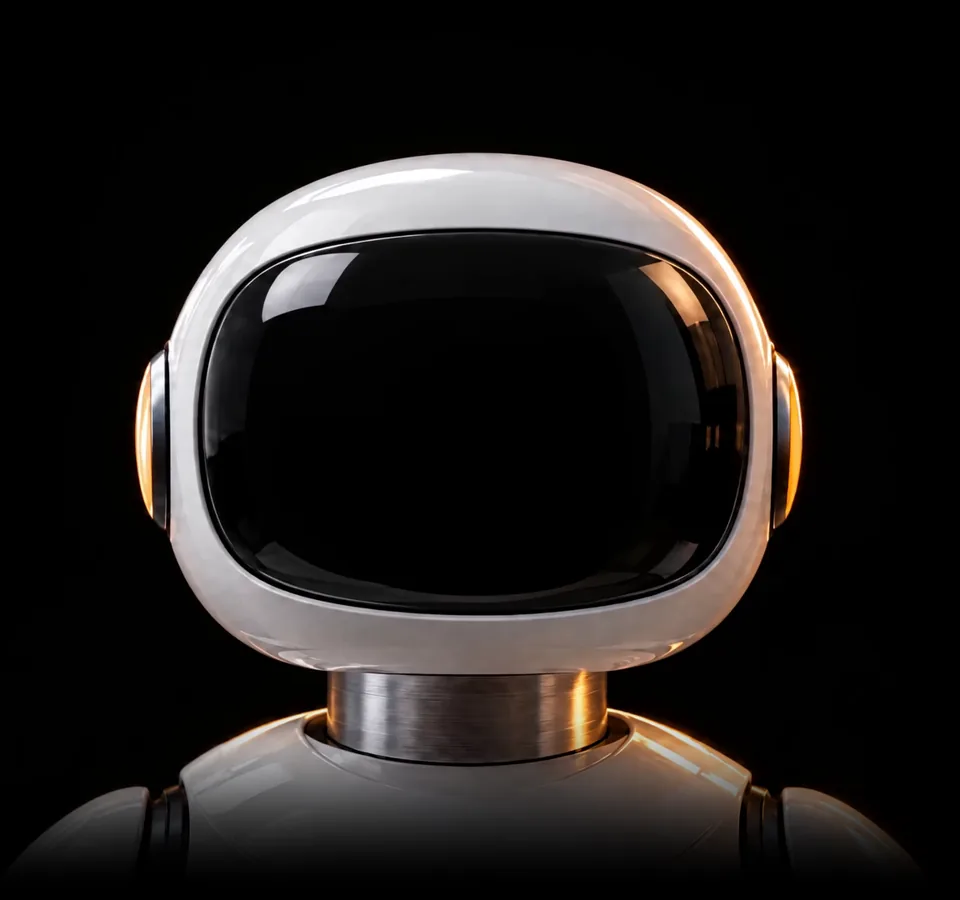
You 0TAM 0
Turn on the camera and wave at TAM, or play him with the buttons.
Experiment 01
Match the grade.
- CameraMove your open hand: left and right cools or warms the photo, up and down makes it brighter or darker. Match the left half.
- Mouse or fingerPress and drag on the photo, or use the two sliders below.
0%
Drag on the photo, or turn on the camera and move your hand.
Experiment 02
Behind the glass.
- CameraWipe the fogged glass with your open hand. A closed hand rests. Find the three marks hidden in the picture.
- Mouse or fingerPress and wipe side to side across the glass.
0 / 3
Wipe the glass to see what is behind it.
Experiment 03
Take it apart by hand.
Open your hand and the purifier comes apart. Close it and the parts come back together. Pinch to turn it, point to inspect a part. No camera? Drag it, use the slider, or pick a part.
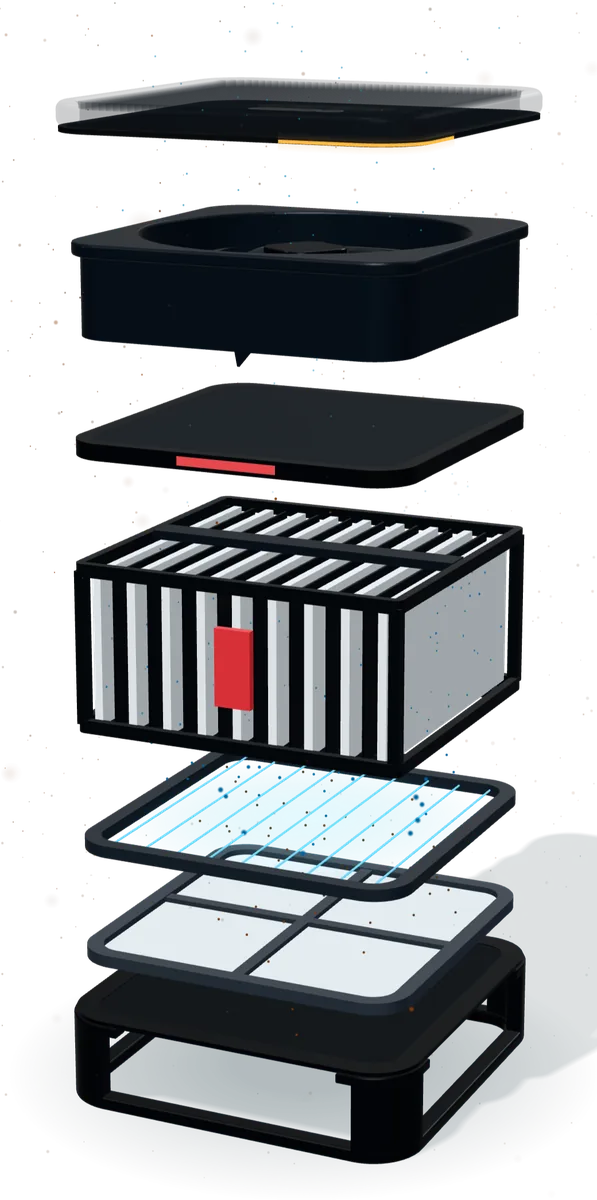
Gesture guide
Drag the unit to turn it, or turn on the camera.
How it works
From a camera frame to a moving part, in the browser.
On your device
The camera frames stay in your browser. Nothing is uploaded, saved or recorded.
21 points
A hand model finds the wrist, knuckles and fingertips, many times a second.
Read as gestures
Distances and angles between the points become open, closed, pinch and point.
The page answers
Each gesture drives the picture or the 3D model directly, so it moves the moment your hand does.
For your business
The same research, working for you.
A camera and a browser are all it takes. A few things we can build with them.
Try before you buy
Glasses, hats or a paint color, seen on your own face or your own wall through the camera.
Touch-free screens
Displays at events and in stores that people control with a wave, no touching required.
Product demos people remember
Your product explained through something people do with their own hands, so it sticks and gets shared.
Questions
About the camera.
Is my video sent anywhere?
No. The hand tracking runs inside your browser on your own device. The video is never uploaded, saved or recorded, and the camera turns off when you press the button or leave the page.
What does it download?
The first time you turn the camera on, your browser downloads the hand tracking model, about 8 MB, from Google's public MediaPipe library. After that it is usually cached.
Does it work on phones?
Yes, on recent phones, with the front camera. Prop the phone up so your hand is free, or use your finger on the screen instead.
It does not see my hand. What should I do?
Turn your palm to face the camera, hold it about an arm's length away, and make sure the room is well lit. One hand at a time works best.
Could this run on my website?
Yes. Everything on this page is standard web technology that runs in any modern browser, so it can go on your site as a section or a whole page.
Next step
Build what's next.
Have an idea that needs a camera, a gesture or a product people can take apart? Tell us about it.